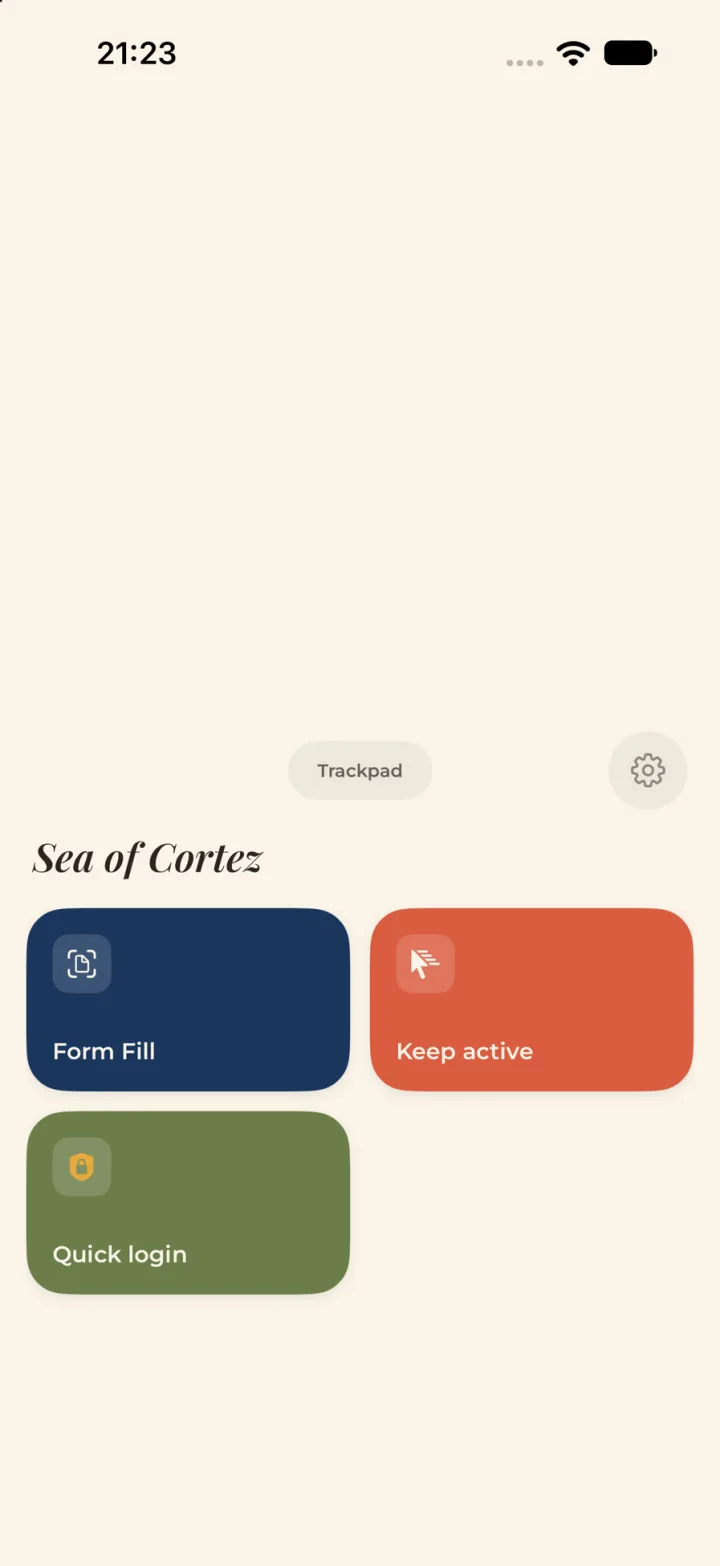
A keyboard and trackpad
Modifier keys, macOS bindings, scroll and click, all over Bluetooth.
The problem
Remote access assumes you can install something, get admin rights, or hand a password to a service.
A screen you can see but cannot touch is still your work, done by hand.
The move
The Mac already trusts a Bluetooth keyboard. Make the phone one. The camera turns the screen into something you can aim at, and the keys land as real keystrokes. Nothing runs on the target.
What shipped
Modifier keys, macOS bindings, scroll and click, all over Bluetooth.
A camera view of the target, and Quick Login typed behind Face ID or Touch ID.
No account, no server, no network requests. The password leaves the phone only as keystrokes.
Inside the loop
The camera holds the screen.
You choose the field. The next version moves the choice into the phone; that part is in progress.
Bluetooth types it.
Screens that need hands. Cameras that need judgment. Devices that need a bridge. Tell me what the last inch is.