Standard and High Performance
The Mac's own displays, or a display shaped to the device with video and sound.
Mac on iPhone · Live · 2026
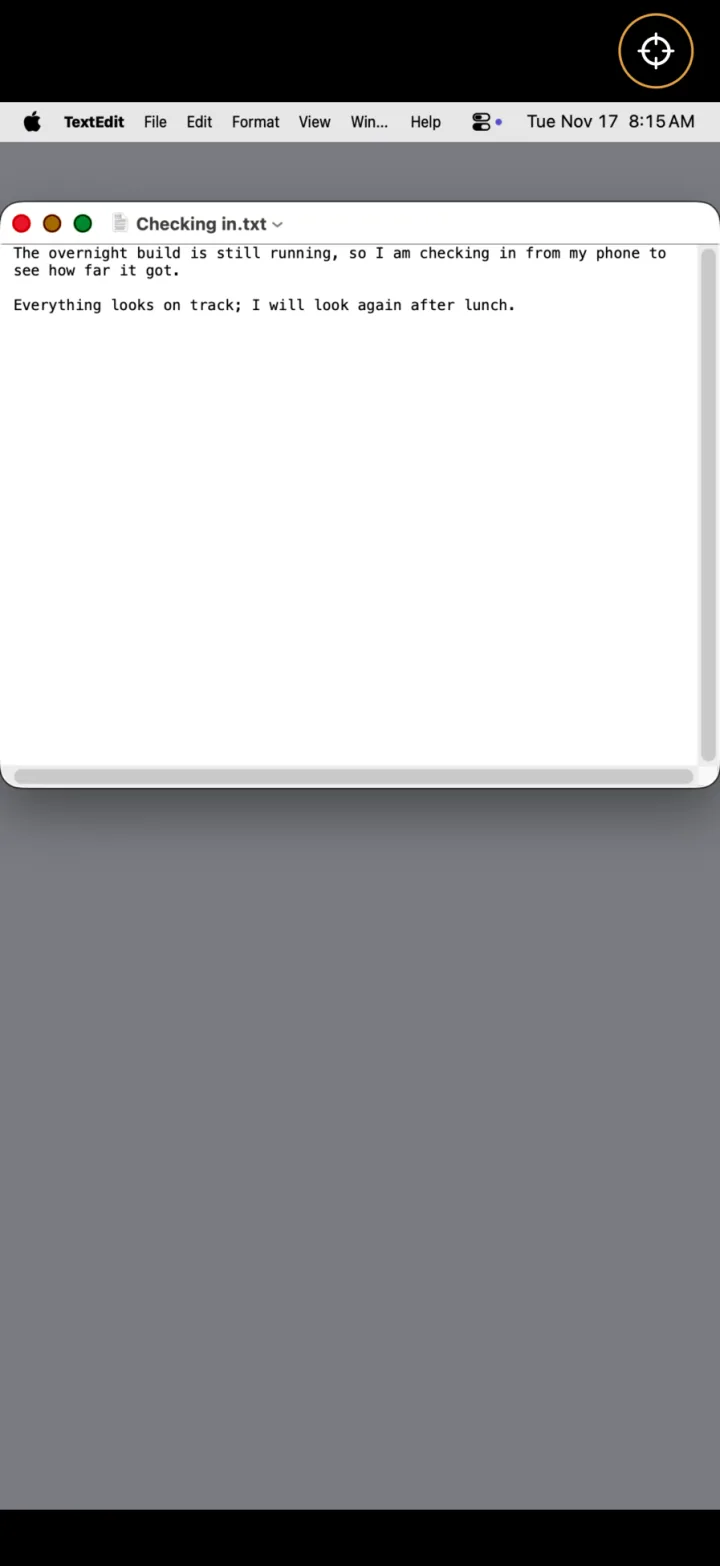
Your Mac's screen on your iPhone, with nothing installed on the Mac.
The problem
Remote desktops want an agent on the Mac, an account, a per-seat licence.
The Mac already ships Screen Sharing. Most of the work is the last inch around it.
The move
Speak the protocol the Mac already has. For the best picture, have the Mac make a display in the shape of the phone and send it as HEVC video with sound. Nothing to install.
What shipped
The Mac's own displays, or a display shaped to the device with video and sound.
During a high performance session the Mac's screens go dark. They come back when you disconnect.
Direct touch or trackpad, the system keyboard with modifiers, and clipboard in both directions. No account, no analytics, no server.
Inside the loop
The Mac's screen.
Standard or High Performance.
Touch, keys, clipboard.
Screens that need hands. Cameras that need judgment. Devices that need a bridge. Tell me what the last inch is.